Get full visibility
into agentic workflows
Debug AI agent workflows in production. Agent Timeline renders multi-agent, multi-trace conversations as a single coherent view showing LLM calls, tool invocations, agent handoffs, and downstream system behavior together.
Explore your AI agent operations
with full context
Conversation-first investigation
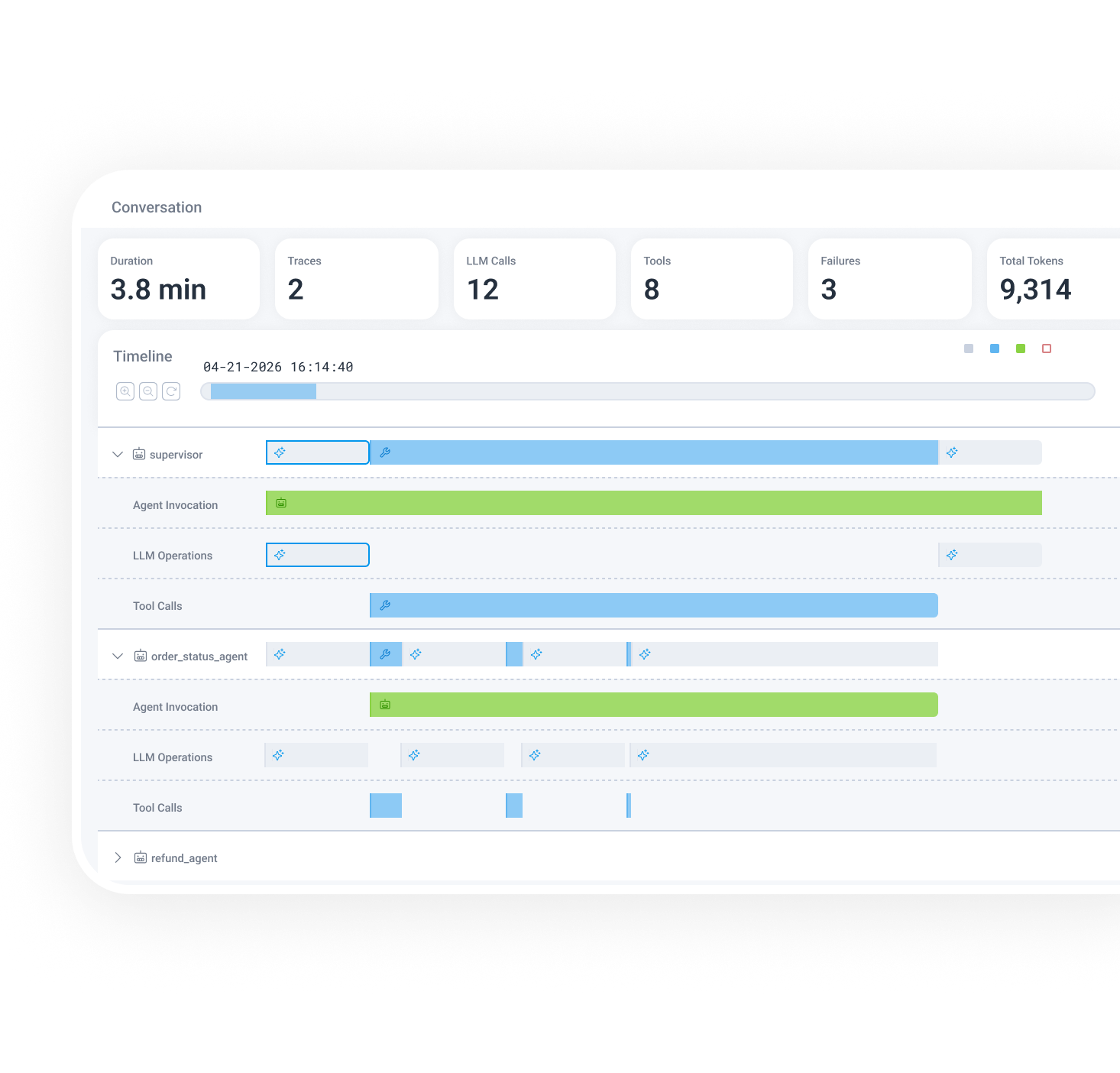
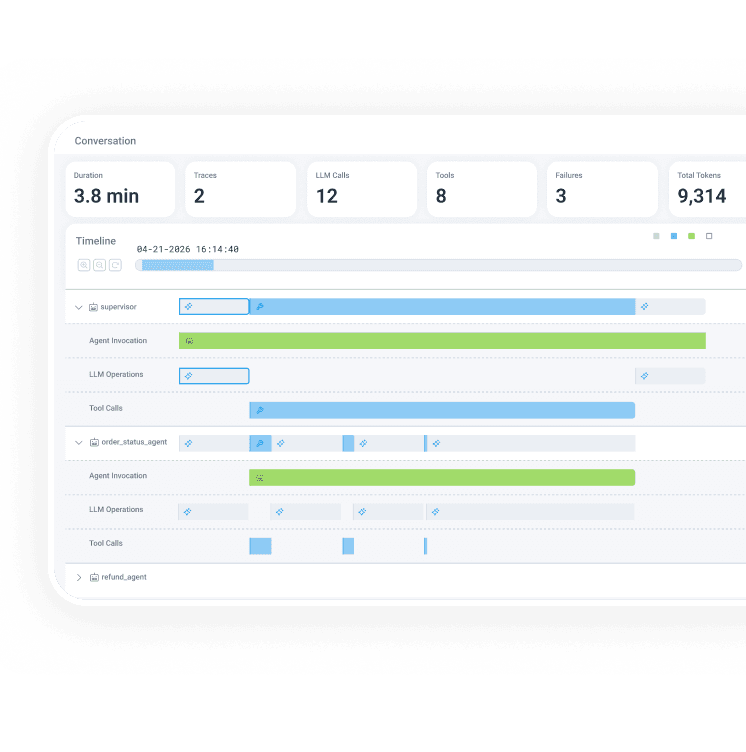
Agent Timeline renders an entire multi-agent conversation as a visual sequence. It shows every agent, trace, tool call, and failure chronologically.
Full-stack visibility across AI and system spans
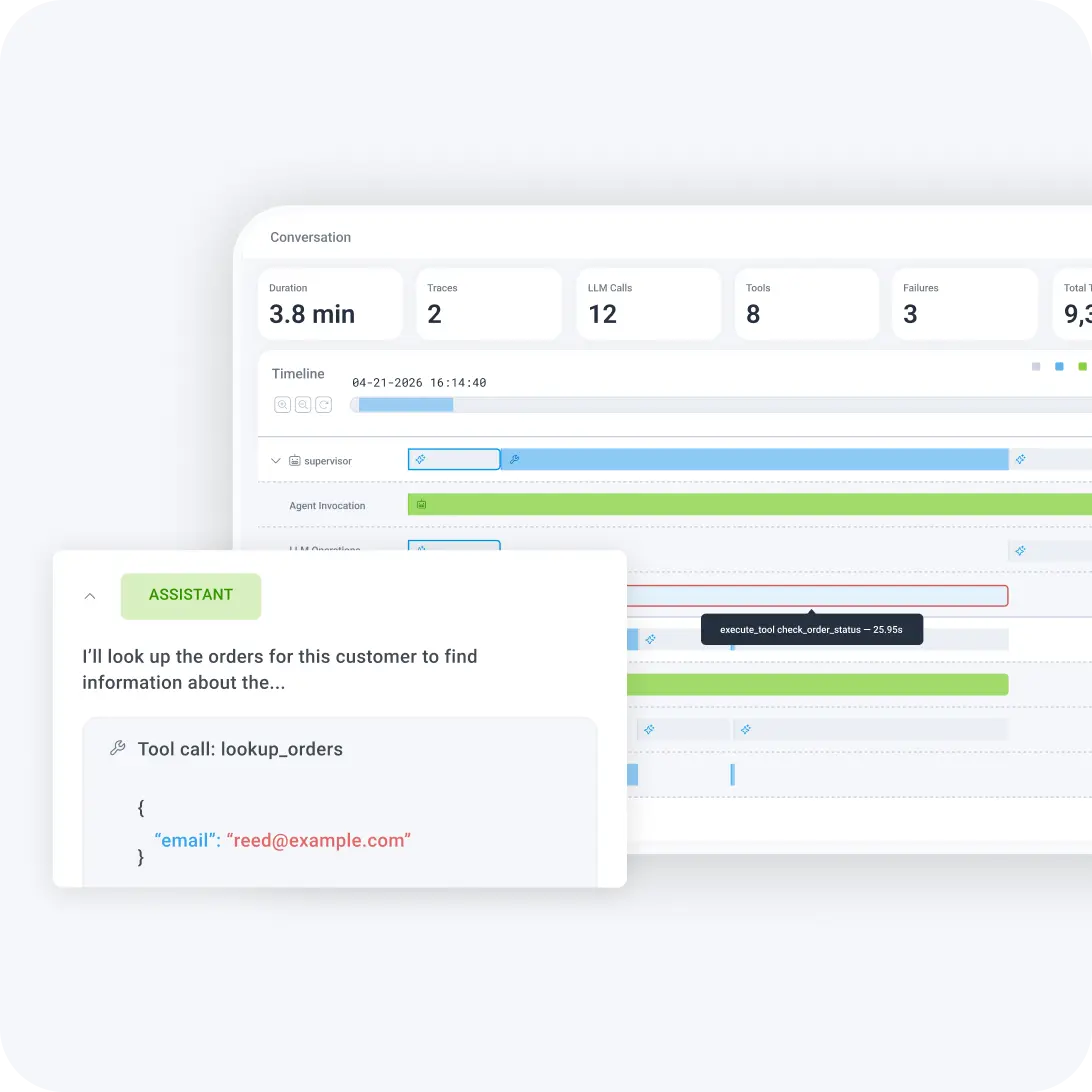
Click into any span to see LLM operations, tool calls, token usage, and prompt details. Expand the full trace waterfall to see API calls, database queries, and infrastructure behavior.
Failures as first-class citizens
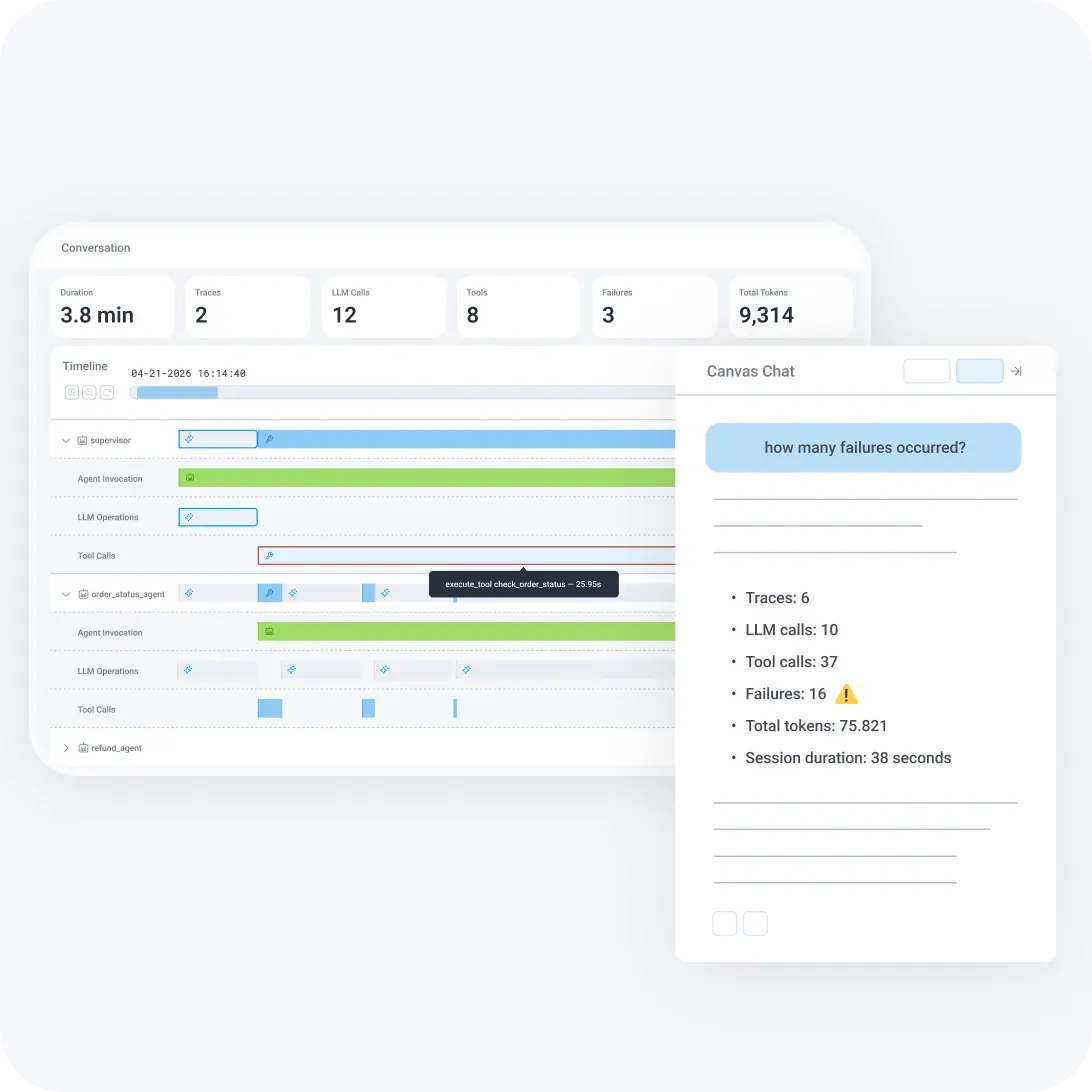
Failure counts at the conversation level, red highlights on failing spans, and a "Show Failures Only" mode to shift debugging from reactive data spelunking to proactive failure isolation.
Understand what your AI
agents are doing
Give engineers full observability into multi-agent workflows, from agent conversation overview to span-level root cause, so you can understand what happened, what failed, and why—without switching tools.
Open an agent conversation, see the full picture
Paste an agent conversation ID and instantly see total duration, number of model calls, tool calls, retries, agents involved, and failures, all at the summary level. No expanding dozens of waterfalls. No cross-referencing timestamps.
Get multi-agent clarity
Horizontal swim lanes show parallel execution and cross-agent handoffs reflecting how agent systems actually behave. Clearly see agent handoffs, where orchestration broke, and which agent is causing the failure.
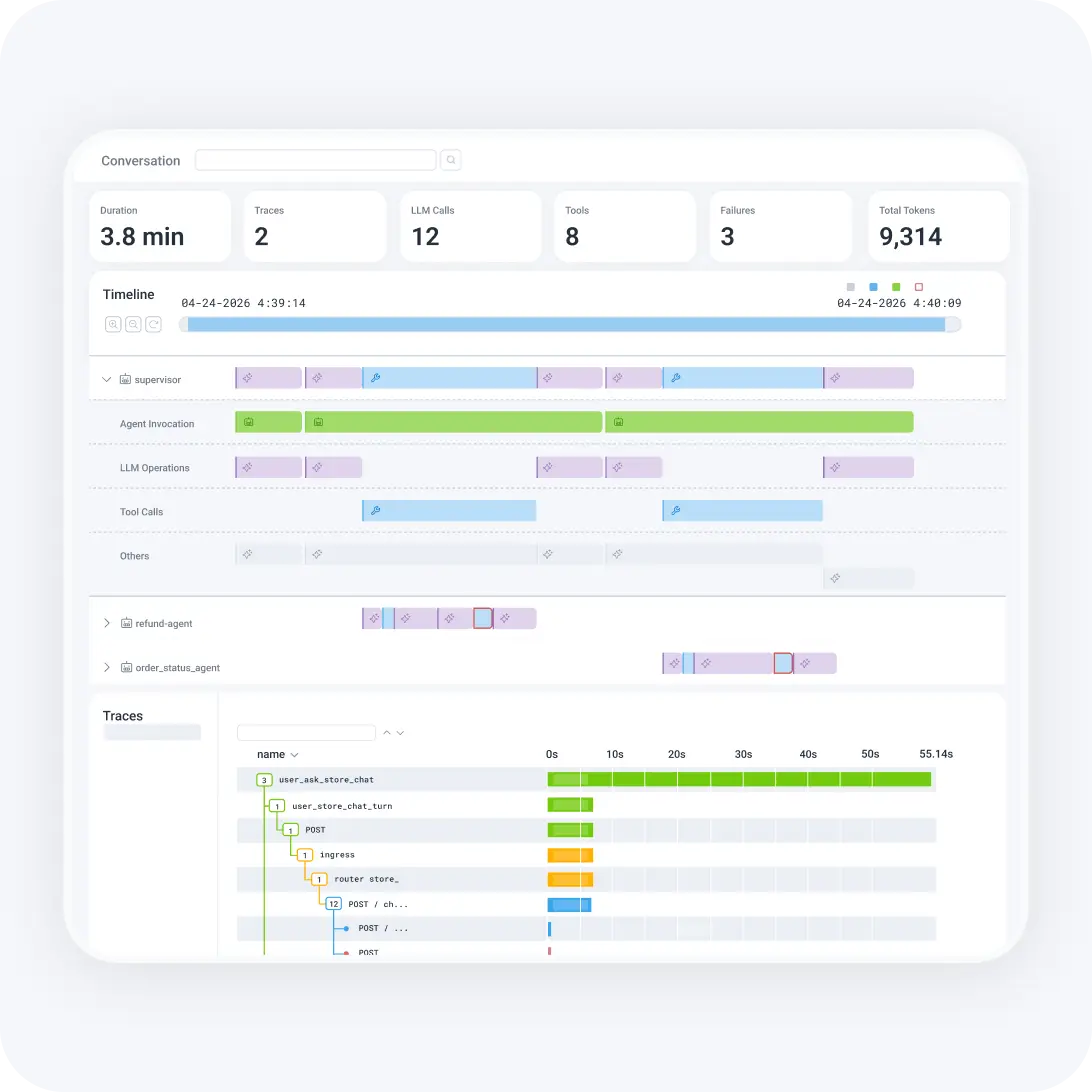
Drill from agent behavior to system root cause
Agent Timeline surfaces both AI and non-AI information in one place. When an agent stalls because a downstream API is degraded, you see the connection.
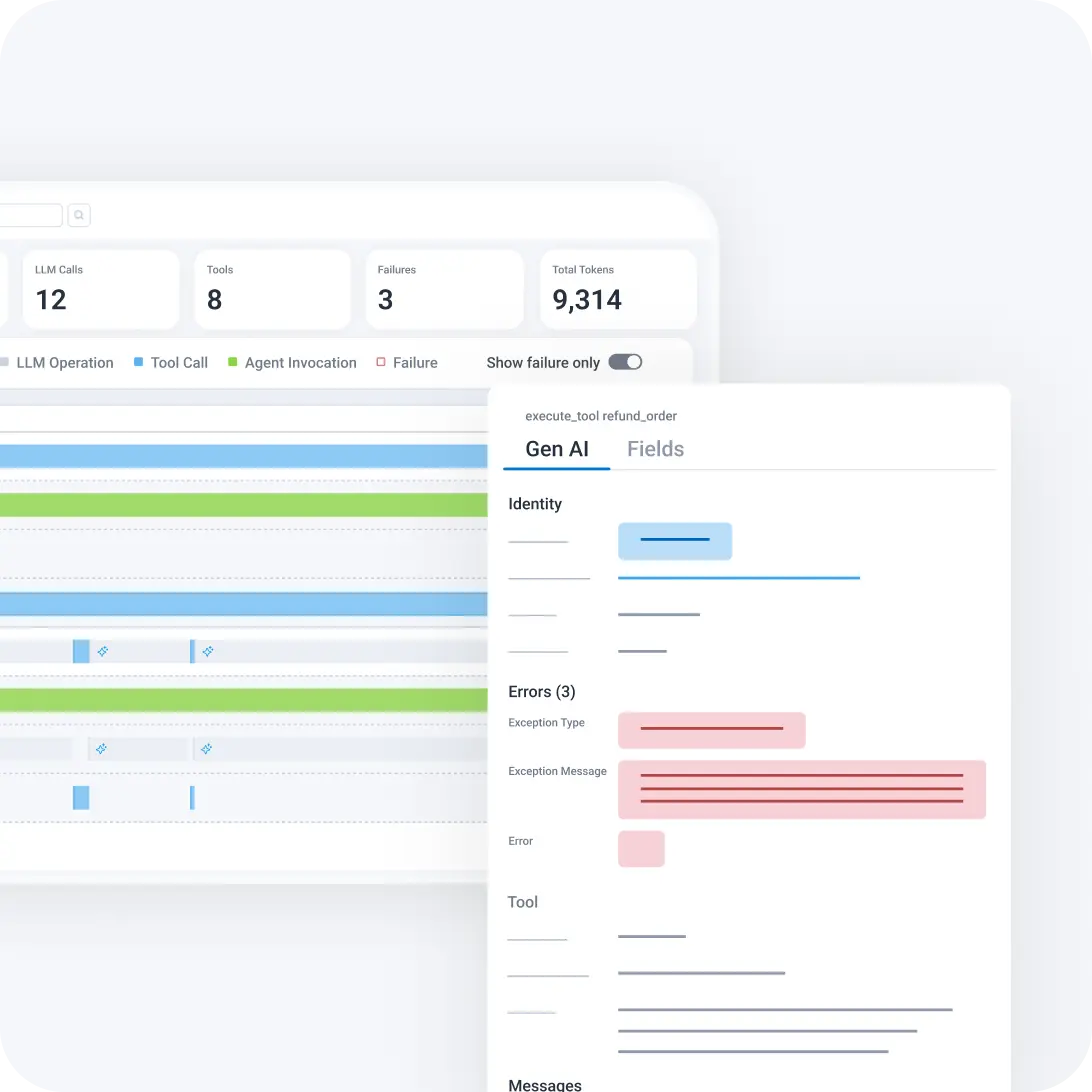
Find failures fast
Filter to failures only, click into the failing span, see the error reason inline, and determine whether the issue is execution, latency, or something else.
See it in action
Agent Timeline connects AI-layer behavior to full-system observability in one investigation flow.
Engineers are drowning in uncertainty as most observability tools weren’t built for this sort of “unknown-unknown.” Honeycomb was built for the hardest parts of building software—and autonomous agents have taken those hardest parts mainstream.

Christine Yen
Cofounder & CEO, Honeycomb
Want to know more?
Talk to our team to arrange a custom demo or for help finding the right plan.