Agent Timeline Is Now Generally Available
Honeycomb’s Agent Timeline gives you a unified view of LLM behavior and multi-agent workflows, so you can investigate entire conversations and quickly see where prompts, tool calls, and failures happened, in the order they happened.

By: Dan Juengst
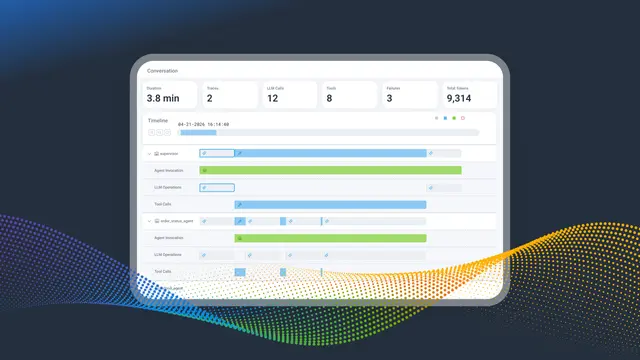
Agent Timeline: The Flight Recorder for Your AI Agents
Every LLM call, every tool invocation, every agent handoff, every downstream service span, in one conversation, in one view. Now in Early Access.
Read Now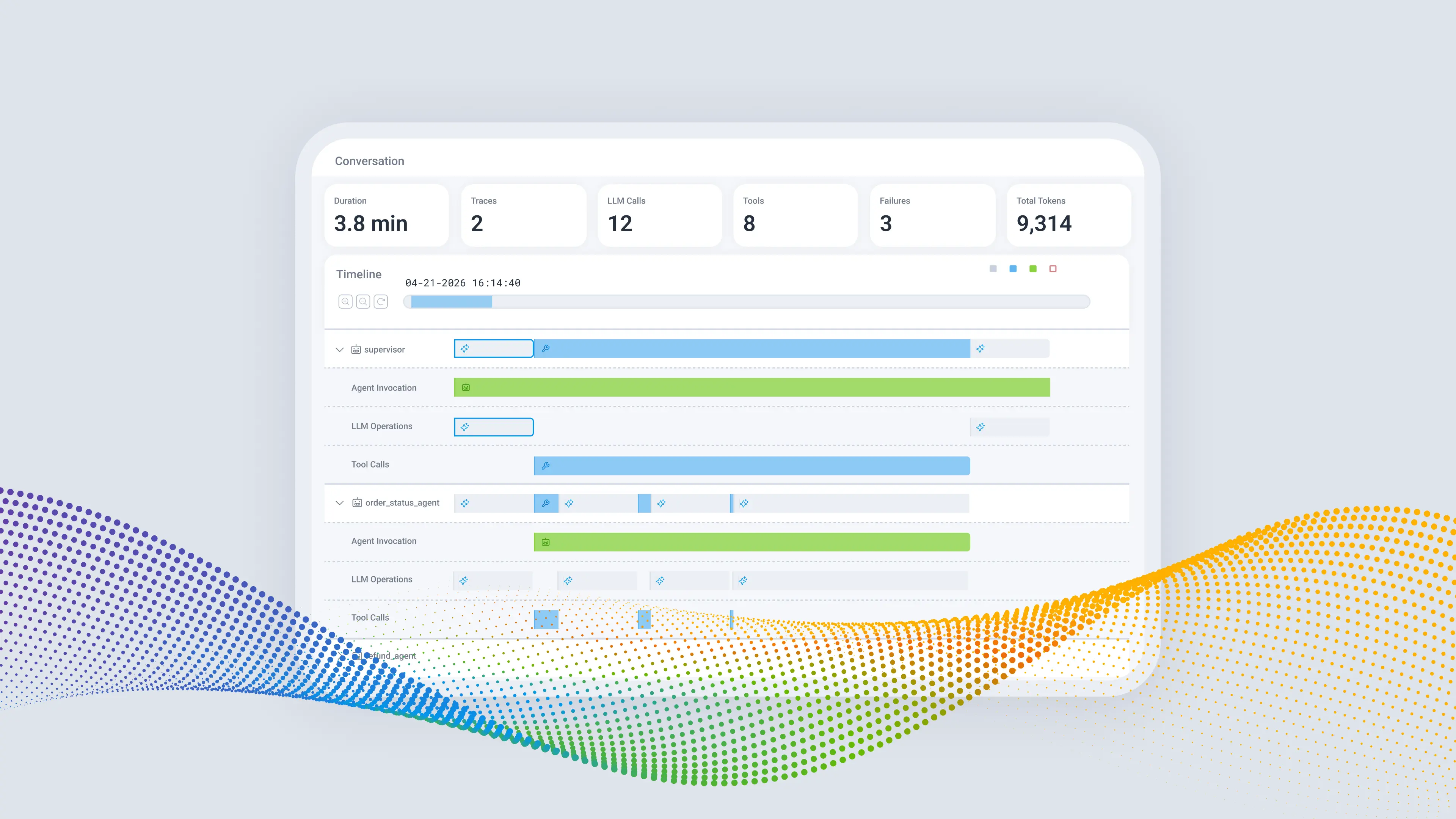
A few weeks ago I wrote about a customer’s refund request that stopped halfway through at 11:47 p.m. on a Tuesday night. That post walked through the 40 minutes it took to work out what happened when an agentic application had a problem: a tool retried against a rate-limited payments API, the error responses filled up the context window, and the agent gave up. The whole reason we built Agent Timeline was to turn that 40 minutes into five. To reduce MTTR. To solve the problem and get back to sleep.
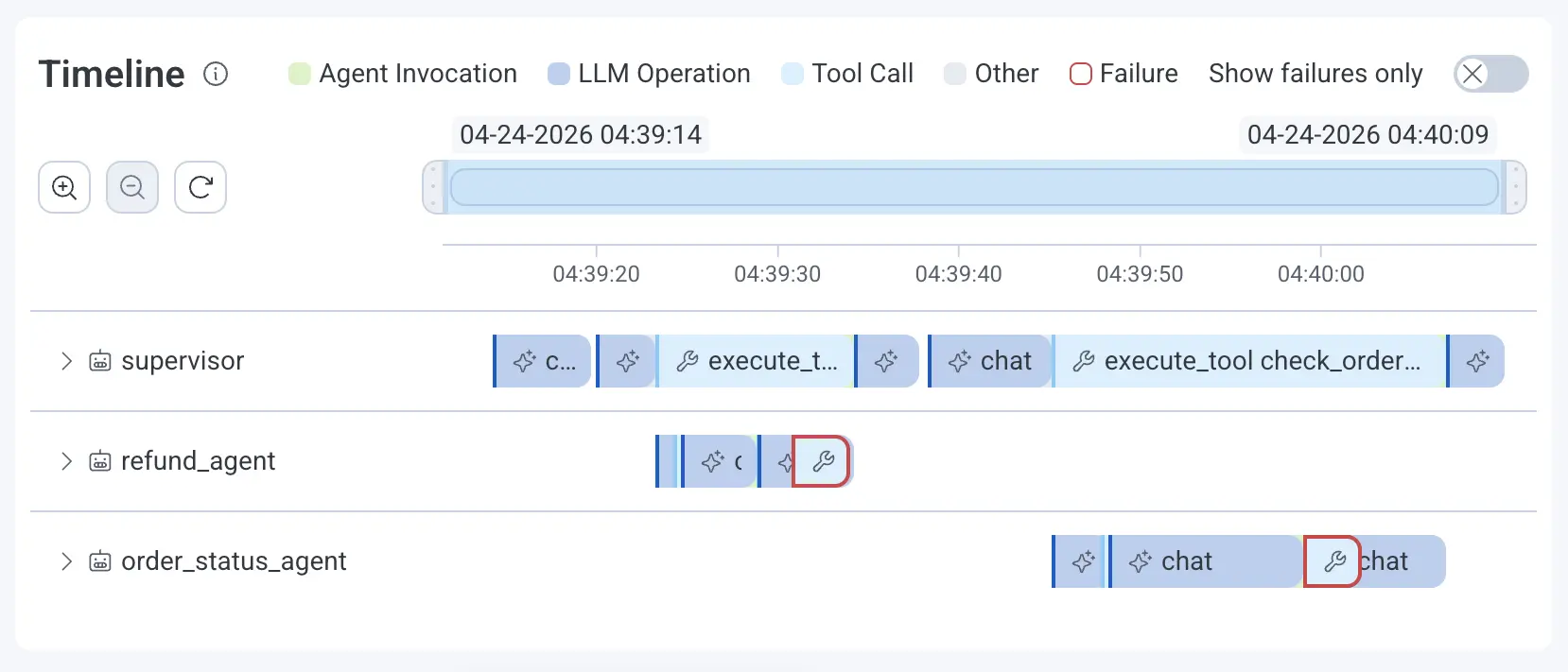
With Agent Timeline, when you get an SLO burn-down alert on a key agentic workflow indicating a problem like a failing customer refund request, you open the agent conversation that had the problem, flip on Show Failures Only, and the failing tool call is sitting right there with its six retries and the 502 underneath it.
Today, we are excited to announce that Agent Timeline is generally available to every Honeycomb customer so you, too, can experience this fast agent conversation debugging.
Learn more about Honeycomb Intelligence
Connect with our experts today.
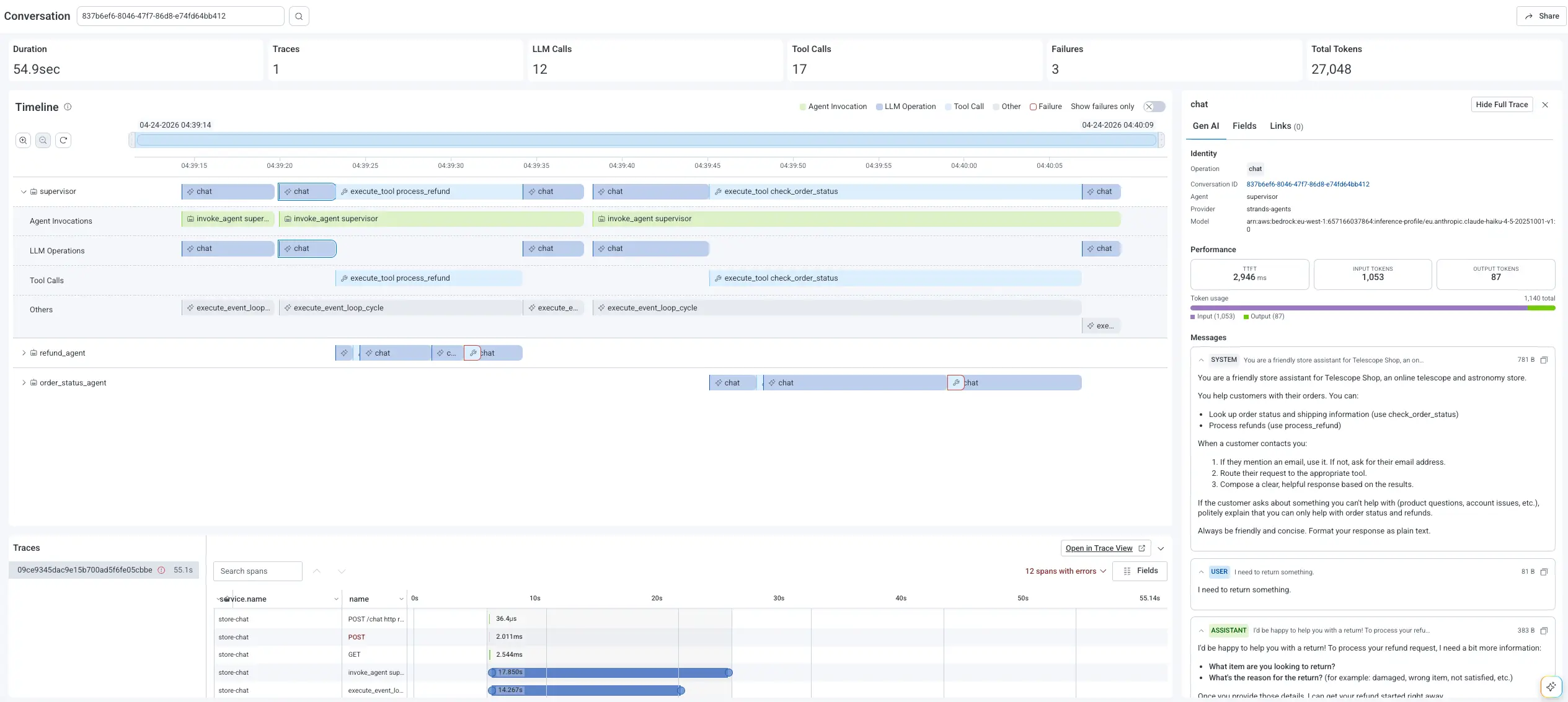
GA feels like the right moment to say something I've been thinking about for a bit. Observability platforms have organized themselves around the trace for more than a decade. A request arrives, you follow it across services, you find where it broke. Agents don't fit that model. One person asking "where is my refund" can spin up a supervisor agent, which might hand off to a refund agent and an order-status agent, make a dozen model calls, fire 17 tool calls, and touch half your backend before it answers anything. A trace captures one thread and stops there. It can’t show you all this interaction.
This agent activity has a name. We call it an agent conversation (some refer to the same thing as an agent trajectory). It's the full arc of an agentic workflow: the agent executions, the LLM calls, the tool invocations, the handoffs and retries, all bound together by a conversation_id and connected down into the system spans they trigger. This is the telemetry you need to debug an agent. A platform that stops at the model can't tell you about the downstream 502 that actually killed the run. And if all it understands is the trace, you're back to copying timestamps between two browser tabs while the fire is still going. The agent conversation is becoming required telemetry for anyone serious about running agents in production, the way distributed tracing became required when we moved to microservices.
Agent Timeline is how Honeycomb renders it. You start at the conversation and drill down, instead of starting from a single span and trying to reconstruct what the agent was attempting. The summary across the top gives you duration, model calls, tool calls, agents involved, retries, and a failure count. Horizontal lanes show each agent running in parallel, so a misbehaving one stands out visually instead of hiding inside nested traces. Click any AI span and you get the prompt, completion, tokens, model, tool name, and error type, with any quality signals you emit attached as attributes. From there, you pivot into the full trace waterfall, where the agent's decision connects to the backend root cause without switching tools. Check out our Agent Timeline documentation for a deep dive.
Since you are likely using OpenTelemetry today, none of this asks you to change how you instrument. Instrument with the OpenTelemetry GenAI semantic conventions, send your spans, and Agent Timeline lights up and binds them by conversation. If you're just starting, the Agent Instrumentation Guide will get you there.
Agent Timeline runs on the high-cardinality, event-based engine Honeycomb has had for 10 years, which happens to suit the messy, high-dimensional telemetry agents throw off. Your prompts often carry sensitive data, so you can capture full content when it's appropriate, send metadata-only spans when it isn't, or redact before anything reaches us, and the conversation structure holds up either way.
When the trail moves past a single conversation, you can move into Honeycomb Canvas and ask the broader question across your whole platform without leaving the investigation.
Sign up for a free Honeycomb account and try Agent Timeline today!