New in the Honeycomb Academy: Learn to Use the Honeycomb MCP
The new Honeycomb MCP course in the Honeycomb Academy gives you a starting point when you're not sure what to ask, and teaches you how to direct an investigation so you're getting evidence, not just answers.

By: Midge Pickett
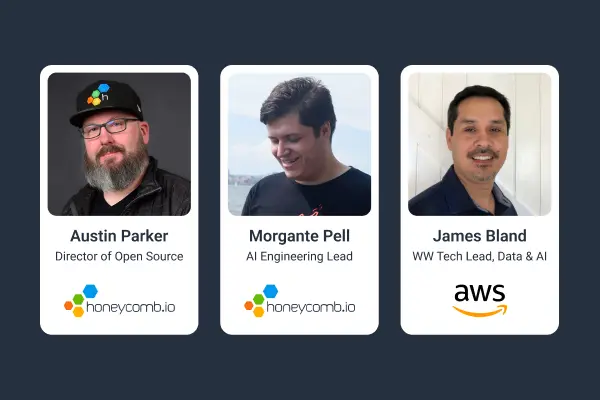
Introducing Honeycomb MCP: Your AI Agent’s New Superpower
Watch Now
Two things happen when engineers first connect the Honeycomb MCP to their AI assistant.
The first is the blank page problem. The Honeycomb UI gives you something to react to: a heatmap, a query builder, a trace to click into. An AI assistant gives you a cursor and nothing else. When you don't know where to start, that's a hard place to be.
The second shows up right after you get past the first one. You ask a question, you get a confident-sounding answer, and you're not sure whether to trust it. Without a framework for how to run an investigation, how to scope it, what to ask for, or how to read the output critically, most engineers either overtrust the AI or give up on it entirely.
The new Honeycomb MCP course in the Honeycomb Academy is built to address both. It gives you a starting point when you're not sure what to ask, and it teaches you how to direct an investigation so you're getting evidence, not just answers.
Learn more about Honeycomb Intelligence
Connect with our experts today.
How the course is structured
After a short orientation in the Honeycomb Academy covering what MCP is, how to connect it to your AI assistant, and how to verify it's actually talking to your data, the course moves into a GitHub repo you open in your AI assistant. From there, you pick a path based on what you're trying to do:
- Debugging: you have a real issue and want to investigate it against live data
- Exploring: you're new to a service or codebase and want to understand what telemetry you have
- Reliability/SLOs: you want to check on service health and understand how things are trending
The paths are independent. Do one, come back for the others later, or work through all three.
What you're practicing
Across all three paths, you're building the same habit: treating AI output as a starting point for verification, not an endpoint. Asking your assistant for the query it ran, the time window it used, a Honeycomb link to the result. Asking it to show its reasoning rather than just its conclusion. That's what makes the difference between an investigation that produces real signal and one that just moves fast in the wrong direction.
Get started
The course is live in the Honeycomb Academy now. You need a Honeycomb account with telemetry flowing and an AI assistant that supports MCP. Setup takes about 20 minutes, and from there you're running real investigations against your own data.